
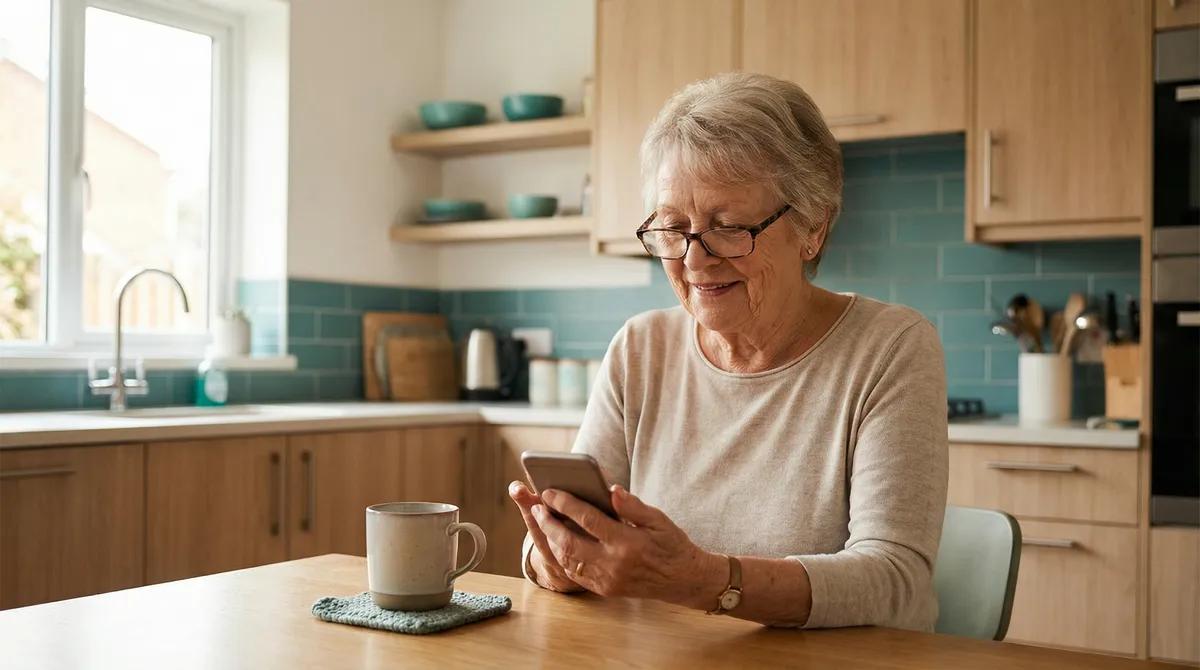
Digital help for seniors: smartphone setup, online banking, e-prescriptions, video consultations and more — with personal, patient support.
Helpful Folks Redaktion
Experts in Digital Help and Everyday Support
March 29, 2026
The world is becoming increasingly digital — and that affects everyone, not just younger generations. Online banking, e-prescriptions, the electronic patient record, video consultations with your doctor: more and more everyday tasks are moving online. For many older people, this is a genuine challenge. In this guide, you will learn which digital tasks seniors most commonly need help with, how to stay safe online — and where to find personal support from someone who explains patiently rather than rushing through.
The numbers speak for themselves: 74 per cent of people aged 65 and over now use the internet — five years ago, it was fewer than half. The digital transformation of everyday life is well underway, and there is no turning back.
At the same time, a Bitkom study from January 2026 reveals remarkable openness: 96 per cent of surveyed seniors want support with digital topics. 78 per cent would like a helpline for digital questions, and 66 per cent want affordable local training. The willingness is clearly there — what is often missing is the right kind of guidance.
Many existing programmes set the bar too high. Group courses at adult education centres are helpful, but not everyone learns at the same pace in a group setting. Brochures explain the theory but do not help with the specific problem on your own device. What many seniors truly need is someone who sits beside them, takes their own smartphone in hand and explains things step by step — patiently, clearly and at their pace.
Fact: 85 per cent of people over 60 say they need support with at least one digital everyday task. The demand for personal, one-to-one help far exceeds the available supply.
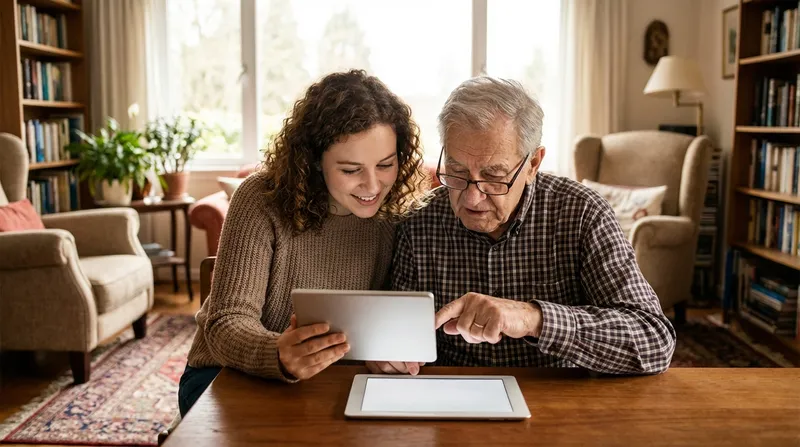
The smartphone is the key to the digital world — and simultaneously the biggest hurdle for many older people. Taking a new device out of its box, setting it up and learning to use it can feel overwhelming when nobody is there to help.
Initial setup. Insert the SIM card, connect to Wi-Fi, create a Google or Apple account, adjust basic settings. This step alone overwhelms many people — a tech helper can manage it in 30 minutes.
Transfer contacts and phone book. From the old mobile to the new smartphone — straightforward with the right app or Bluetooth transfer, but a mystery without guidance.
Set up WhatsApp. For many seniors, this is the main reason for getting a smartphone: being part of the family group chat, seeing photos of the grandchildren, sending quick messages. Installation, verification and first steps need accompaniment.
Install essential apps. Banking app, pharmacy app for e-prescriptions, health insurance ePA app, video calling (FaceTime or Zoom), public transport planner, weather. Which apps are worthwhile depends on individual needs.
Adjust font size and accessibility features. Larger text, higher contrast, simplified home screen — small settings with a big impact that many people are unaware of.
Take, save and share photos. How do I take a photo? Where are my pictures stored? How do I send a photo via WhatsApp? Questions that are trivial for digital natives but genuine obstacles for beginners.
More and more bank branches are closing — in the past five years alone, the number of branches in Germany has shrunk by a third. For older people who have always done their banking at the counter, this means: learn online banking or accept long journeys.
The good news is that online banking is safer than its reputation, as long as you know the basic rules.
| Task | What to watch out for |
|---|---|
| Activate online access | Call the bank or have it activated at the branch |
| Install the banking app | Only download from the official app store, never via links |
| Make transfers | Check recipient details carefully, use TAN authentication |
| View statements | Check regularly to spot unusual transactions |
| Password and PIN | Never share by email or phone — banks never ask for this |
AI-powered phishing emails in 2026 are so perfectly written that they are almost indistinguishable from genuine bank communications. Criminals even use voice imitation to impersonate bank staff on the phone. The most important safety rules:
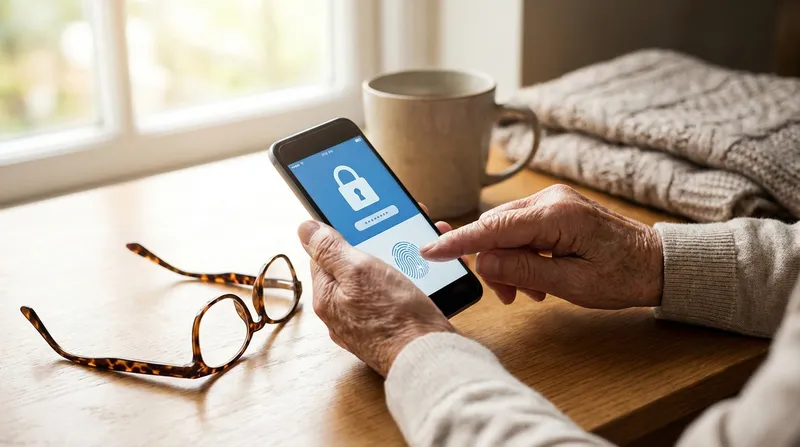
Since 2024, e-prescriptions have been mandatory in Germany — paper prescriptions only exist in exceptional cases. And since October 2025, the electronic patient record (ePA) is being set up for all 73 million people with statutory health insurance. From summer 2026, the electronic medication plan will be added, capable of automatically detecting dangerous drug interactions.
What seniors need for this:
Redeeming e-prescriptions: Either present the health insurance card at the pharmacy (the simplest option) or use the e-prescription app on the smartphone. The app displays all open prescriptions and allows redemption at a pharmacy of your choice.
Setting up the ePA: Download the app from your health insurance provider, log in with your electronic ID card and PIN or health card and PIN. Anyone who cannot manage this themselves can authorise a trusted person to manage the ePA on their behalf.
Using video consultations: Only six per cent of seniors use video consultations, even though 92 per cent view healthcare digitalisation positively. The barrier is almost always the technology, not the willingness. A tech helper can handle the initial setup and run a practice call.
Beyond the "mandatory" tasks like banking and healthcare, there are many digital possibilities that enrich daily life and boost quality of life — when someone accompanies the first steps.
Video calls with the family: FaceTime, WhatsApp video call or Zoom — seeing the grandchildren even though they live hundreds of kilometres away. For many seniors living alone, this is an enormous gain in social participation.
Streaming and media libraries: Setting up ARD Mediathek, ZDF Mediathek or Netflix on a tablet — catching up on missed programmes or discovering favourite series. The interface is simpler than expected once everything is set up.
Online ordering: Grocery delivery services, medications or gifts ordered online — particularly valuable for people with limited mobility. Amazon, REWE or online pharmacies save trips and energy.
Digital government services: Using the online ID function (eID) for official business — 71 per cent of Germans know about the function, but only 7 per cent actually use it. The setup is the sticking point: setting the PIN, installing the ID app and working through the first application together.
Navigation and travel planning: Google Maps for directions to the new doctor, the DB Navigator for train connections, the Flixbus app for affordable trips — all tools that create independence in everyday life.
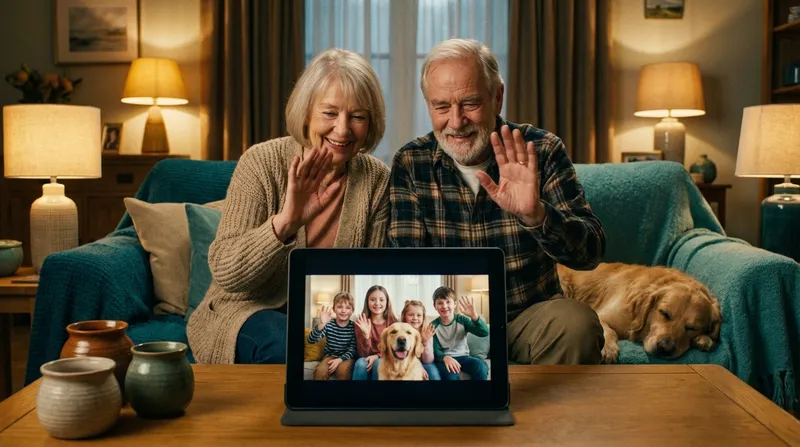
Personal tech help does not have to be expensive. On Helpful Folks you can find digital assistance near you — people who take their time and explain things patiently.
| Service | Cost (approx.) | Duration |
|---|---|---|
| Smartphone initial setup | €40–80 | 1–2 hours |
| Online banking setup + training | €30–60 | 1 hour |
| ePA + e-prescription app setup | €25–50 | 30–60 min |
| Video calling setup + practice | €25–40 | 30–60 min |
| Complete package (phone + banking + apps) | €100–180 | 3–4 hours |
| Regular accompaniment (monthly) | €50–100/month | 1–2 sessions |
Nursing care fund: From care level 1, there is a monthly grant of €50 for digital care applications (DiPAs), plus up to €4,180 for home environment improvements, which can include technical assistance systems.
Tax-deductible: Digital help at home counts as a household-related service — 20 per cent of labour costs are deductible, up to €4,000 per year. Requirement: an invoice and non-cash payment.
Free programmes: The DigitalPakt Alter funds local drop-in centres nationwide, and many adult education centres offer affordable smartphone courses. For individual help at home, however, these programmes are no substitute.
Do I need to be afraid of the internet? No — but respect and attentiveness are important. The most common dangers can be reliably avoided with a few basic rules.
How do I recognise scam emails? Genuine banks, authorities and companies never ask you to enter passwords or click links by email or text message. When in doubt: do not respond, but call the organisation directly.
What makes a strong password? At least twelve characters, a mix of upper and lower case letters, numbers and special characters. Use a different password for every account. A password manager can help — and that is something a tech helper can set up too.
Can I enter my details everywhere? No. Only enter personal data such as account numbers, ID numbers or dates of birth on trustworthy websites. Look for the padlock symbol in the address bar (https).
What should I do if something suspicious happens? Immediately disconnect the device from the internet (turn off Wi-Fi), contact the bank and inform a trusted family member or your tech helper. Fast action prevents greater damage.
The digital world offers older people enormous opportunities — from video calls with grandchildren to secure online banking and the electronic patient record. The key lies not in the technology itself but in the right support. A patient tech helper who takes their time and explains at eye level makes all the difference. On Helpful Folks you can find exactly these helpers near you — browse the listings and take the first step towards an independent digital life.
Helpful Folks connects you with verified service providers — free and hassle-free.